Meet Beebot Navigator: like ChatGPT, but connected to your knowledge base.

Meet Beebot Navigator: like ChatGPT,but connected to your knowledge base.

Features
are never lacking!

More than 100 different features for communication, training, and knowledge management.

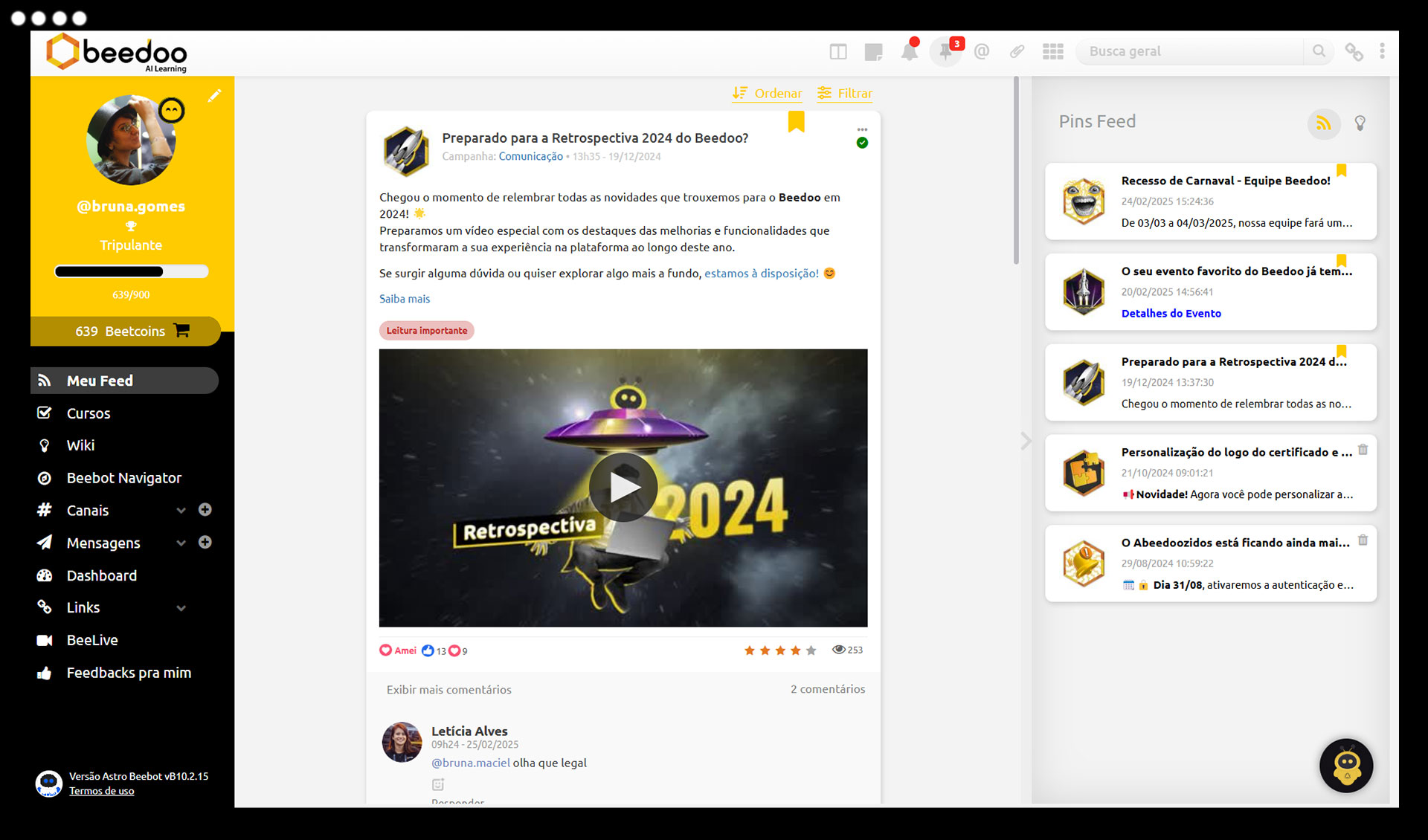
Communication with agility, impact, and high engagement

Take your operation’s communication to the next level with a modern, intuitive, and interactive feed — like a social network designed specifically for operational teams.

Centralize communication between leaders, teams, and collaborators in a light, agile, and highly engaging way.

With varied formats and group segmentation, Beedoo transforms message exchange into something fluid, organized, and productive — all within the platform.

Highlighted Features

Publish in multiple formats

Videos, images, links, live streams, articles, and more.

Smart segmentation

Target each post to specific user groups.

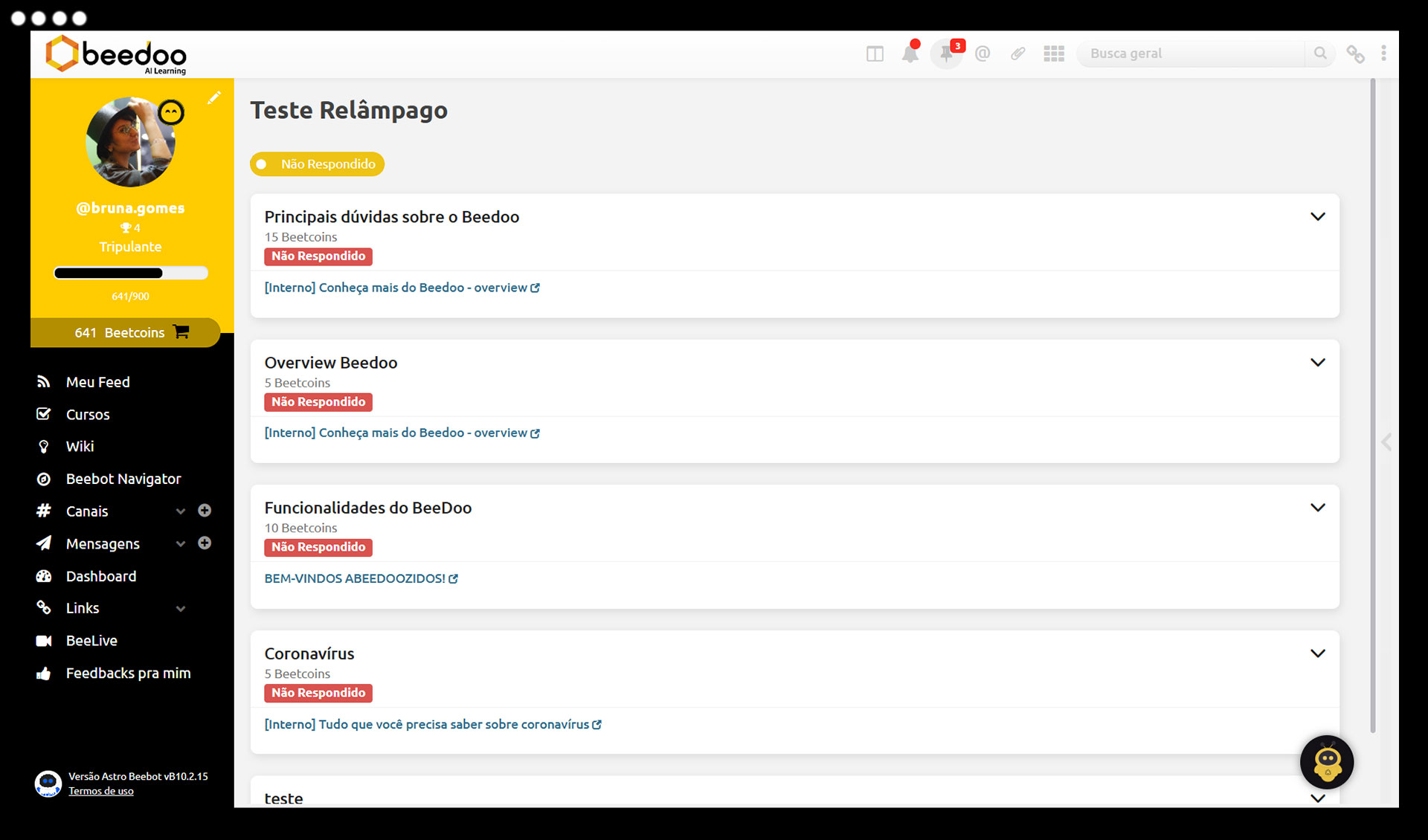
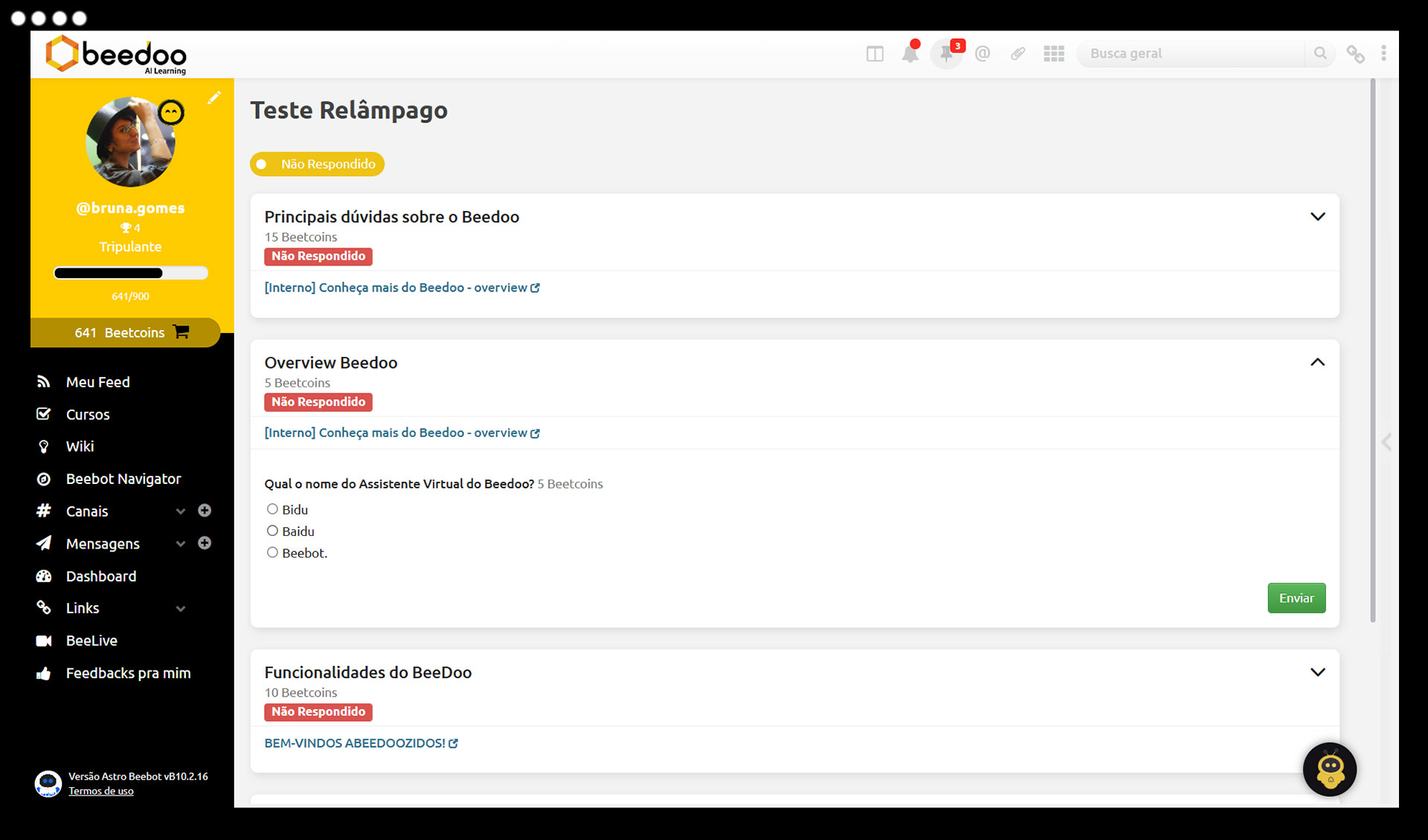
Quick tests

Quickly check if the content was understood.

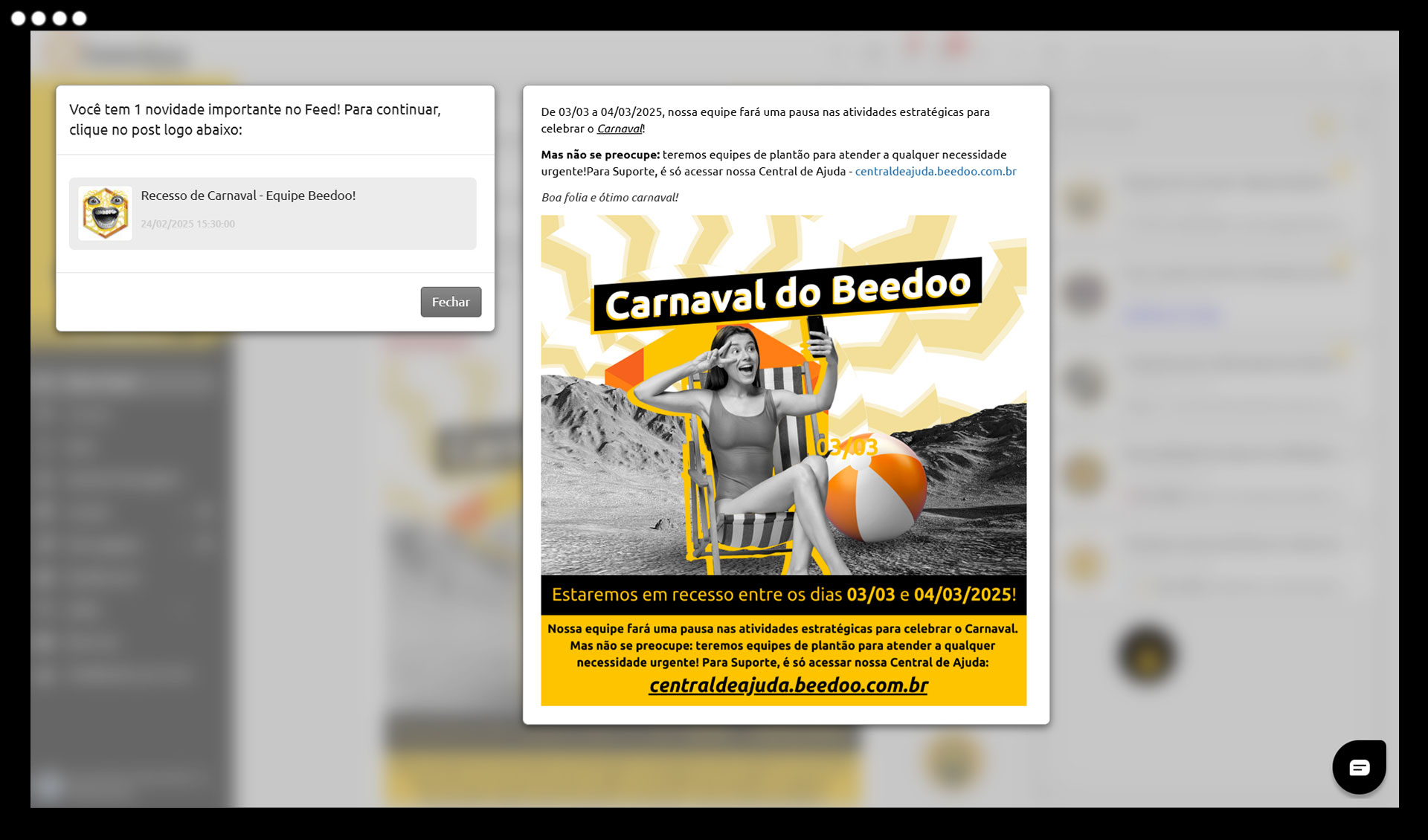
Mandatory reading posts

Highlight critical content and require reading at login.

  • Schedule posts and set content expiration
  • Create campaigns to organize posts
  • Easily sharing Wiki articles
  • Pin or favorite important content
  • Define rules for comments and email notifications
  • React with emojis: Love, Haha, Grr, and more
  • Comment, mention, reply, and moderate
  • Report inappropriate content or comments
  • Pin posts for future reference
  • Score your team with gamification
  • Use filters by keyword, period, and campaign

Instant and organized communication for agile teams

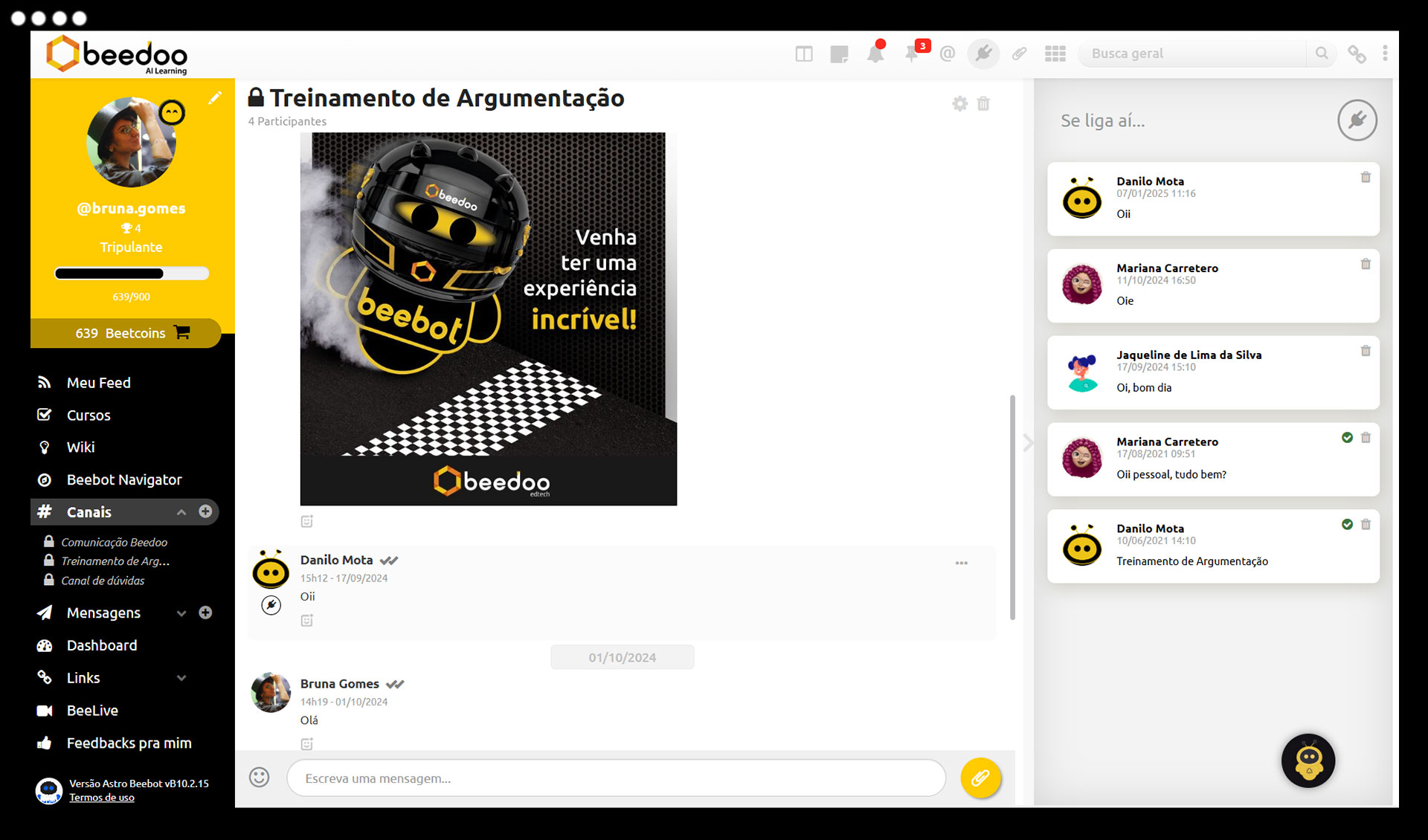
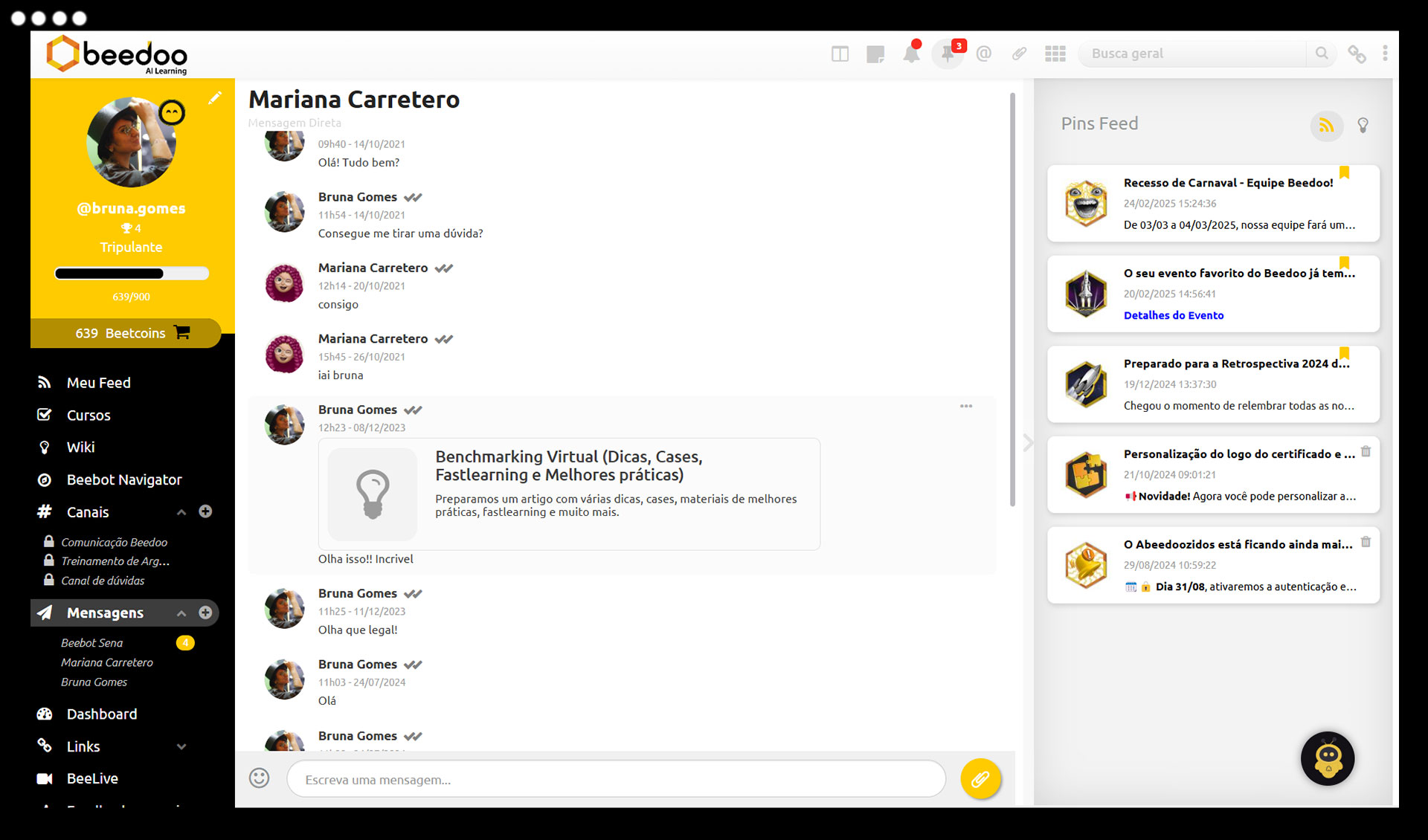
Connect your team with fast, secure, and flexible messaging channels — like a corporate WhatsApp, but with the control and organization your operation needs.

What is the module?

Channels & Messages enable real-time communication between collaborators, leaders, and instructors, with channels organized by team, topic, or project. Whether in groups or individually, the goal is to simplify daily communication, quickly resolve questions, and keep everyone aligned — with advanced permissions and controls to ensure security and moderation.

Highlighted Features

Group chat and direct messages with notifications

Instant communication with alerts, pop-ups, and fluid interaction across all team levels.

Public or private channels with user segmentation

Create channels for specific groups or open to all, depending on operational needs.

Sending texts, images, and various files

Share everything your team needs — from quick instructions to complete documents.

Highlighted messages on the Wall (“Check it out!”)

Give visibility to the most important communications, requiring mandatory viewing.

  • Reactions, threaded replies, and option to delete or report
  • Real-time notifications for new messages
  • Content reporting and moderation
  • Highlight important messages on the wall
  • Automatic channel creation by team
  • Full control over who can send messages (all, leaders, or wall managers)
  • Definition of allowed content types (text, image, files)
  • File-type moderation (e.g., blocking spreadsheets or rankings)
  • Automatic blocking of words or expressions
  • Integration with records for automated channel creation

Collaborative, organized, and always accessible knowledge

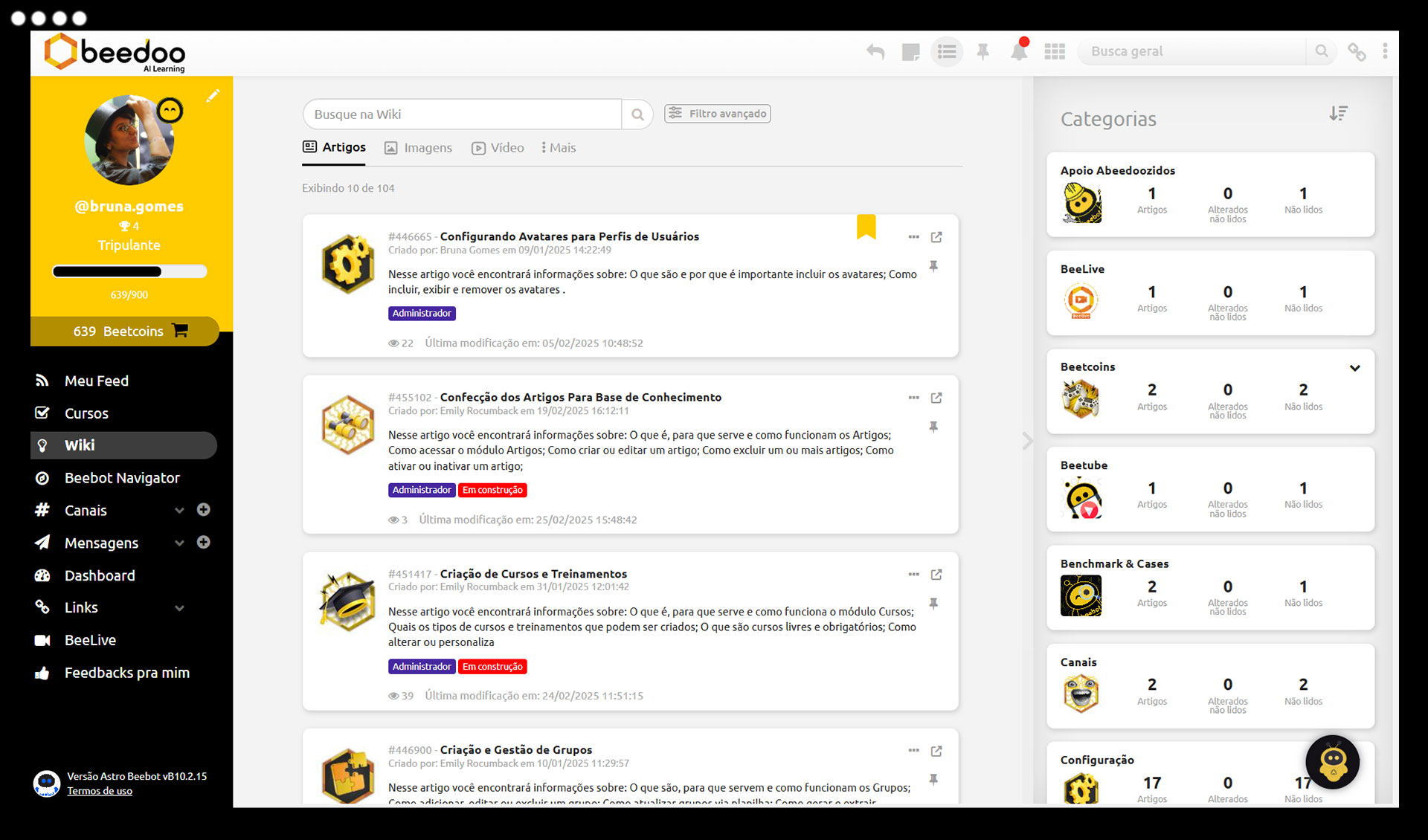
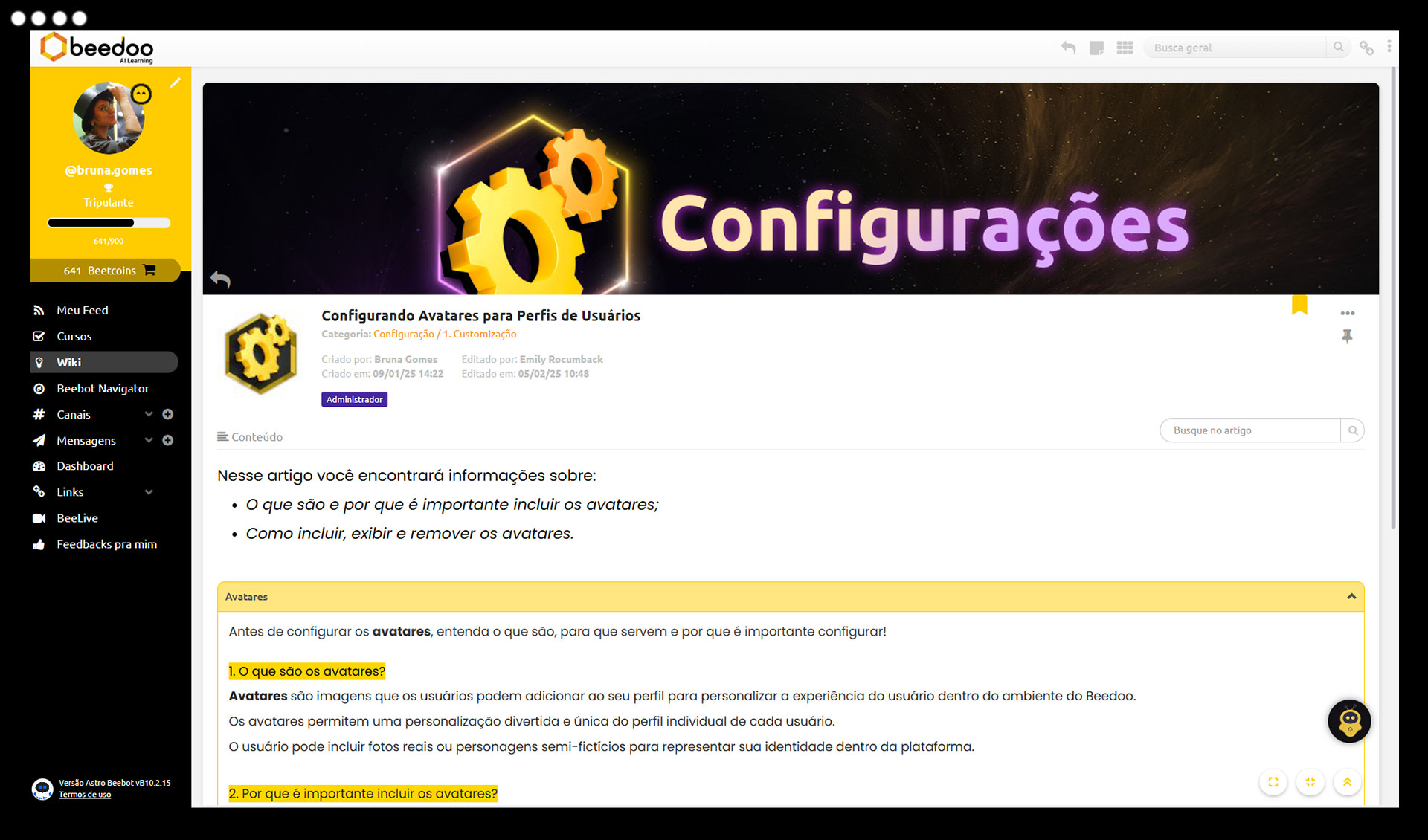
Create a smart hub with all processes, procedures, and daily information. With a clean design, powerful search, and interactive features, Beedoo’s Wiki turns information into productivity.

What is the Wiki?

The Wiki is your company’s collaborative knowledge base. Perfect for gathering and sharing everything your team needs to know — in a structured, visual, and intelligent way. It supports videos, attachments, tests, and content categorization, offering a “Google-like” experience for both seekers and publishers.

Highlighted Features

Smart Google-style search

Find any content in seconds with intuitive search and advanced filters.

Article publishing with full formatting and multimedia

Insert videos, images, files, and format your way — all directly in Beedoo.

Group segmentation and access permissions

Target content by teams, areas, or roles and control who can view or edit.

Gamification and tests for content retention

Engage your team with quizzes and rewards for reading and participation.

  • Create and edit articles with sections, subsections, and custom formatting (fonts, icons, covers, colors)
  • Categorize content by topics, tags, user groups, and versions
  • Insert attachments (PDF, PPT, XLS, DOC, SCORM, MP4) and media into articles
  • Link related articles (references and dependencies)
  • Schedule publication and deactivate content
  • Pin or favorite important articles at the top of the Wiki
  • Control permissions for viewing and downloading files
  • Complete statistics on reading, views, and engagement
  • Apply quick tests to reinforce knowledge
  • Receive feedback and ratings on content
  • Share new articles and updates with notifications
  • Gamification through reading and participation

For users:

  • Quick search with filters by category, tag, or reading status
  • View reading history (read, unread, updated)
  • Mark articles as read with electronic signature
  • Interact with content: feedback, tests, and reactions
  • Pin important articles for future reference
  • Score points for reading as part of gamification

Smart and accessible training for the entire team

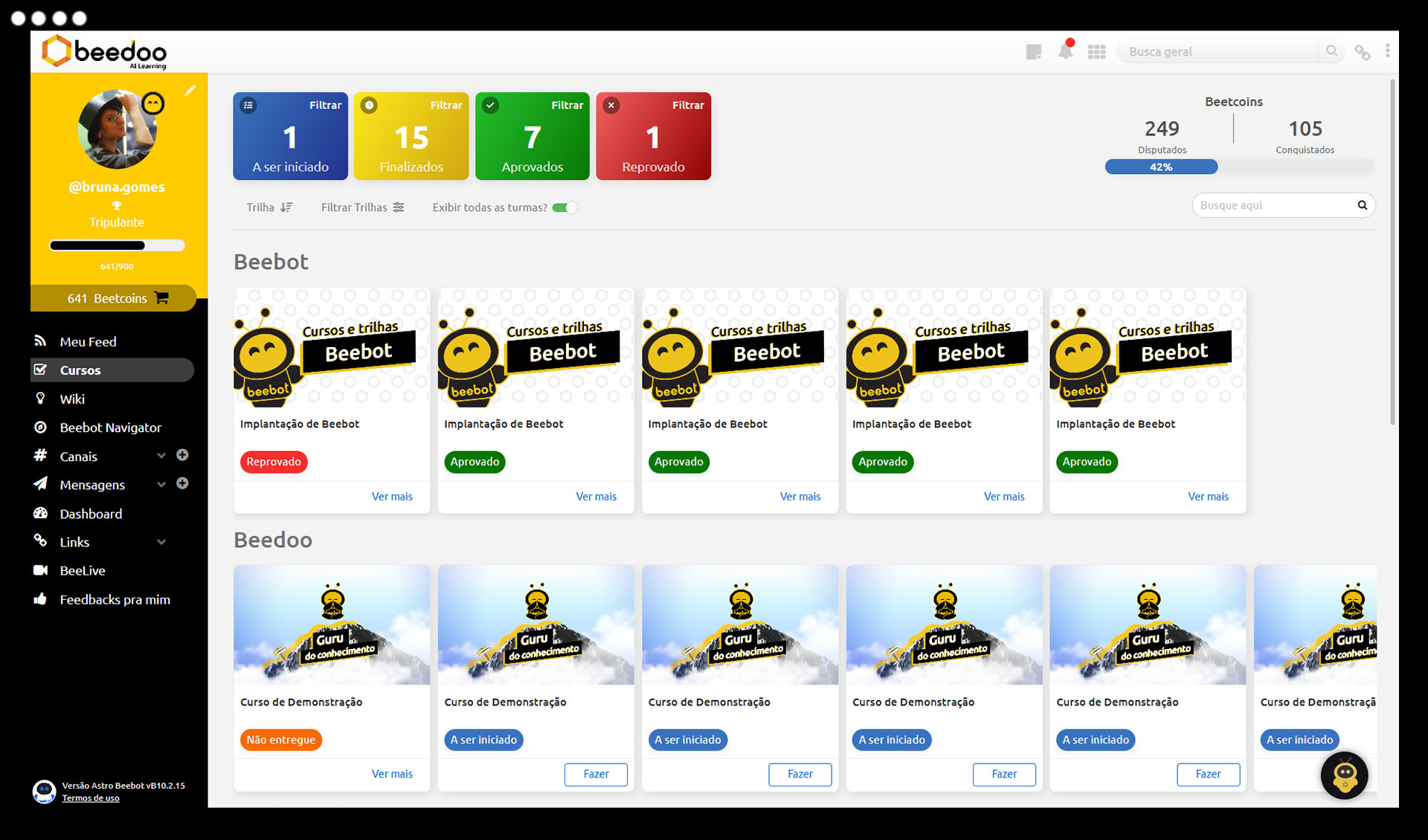
With a complete and intuitive LMS, you can create courses, organize track, evaluate performance, and deliver certificates — all while leveraging existing content from your Wiki or Feed.

What is the module?

Courses & Tracks allow you to structure continuous team development with ease. Create training with videos, articles, tests, and more. Set goals, track performance, and give autonomy so collaborators learn at the right pace — with certification included.

Highlighted Features

Course and track creation with diverse content

Use videos, posts, files, Wiki articles, and external content like YouTube and SCORM, all in one learning journey.

Smart assessments with question bank

Customize tests with random questions, different weights, adjustable difficulty, and number of attempts

Certificates and gamification by performance

Reward collaborators with medals, points, and automatic certificates at course completion.

Segmentation by classes and content scheduling

Assign courses to groups, roles, or specific users with time and validity control.

Organization & Management:

  • Structure courses into track
  • Define course workload and validity
  • Configure accuracy goals based on points, weights, and difficulty
  • Create and assign classes in bulk to groups or specific users
  • Schedule publication and automatic course closure
  • Full reports with statistics on adoption, performance, and relevance

Content & Assessment:

  • Include multimedia and interactive content (videos, SCORM, PDF, posts, etc.)
  • Tests with objective and essay questions
  • Question bank with random draw and difficulty control
  • Gamification for correct answers
  • Automatic generation of medals and completion certificates

Advanced Settings:

  • Define allowed attempts and mandatory progress rules
  • Option to show or hide answer key after completion
  • Customizable course feedback
  • Pause execution time and track attendance by class

User Experience:

  • Search and filters by name, track, result, date, or alphabetical order
  • Track completion time and number of attempts
  • Direct contact with instructor for questions
  • Submit feedback on content
  • Certificates visible in user profile
  • Performance scoring as part of gamification

Evaluate learning quickly, lightly, and effectively

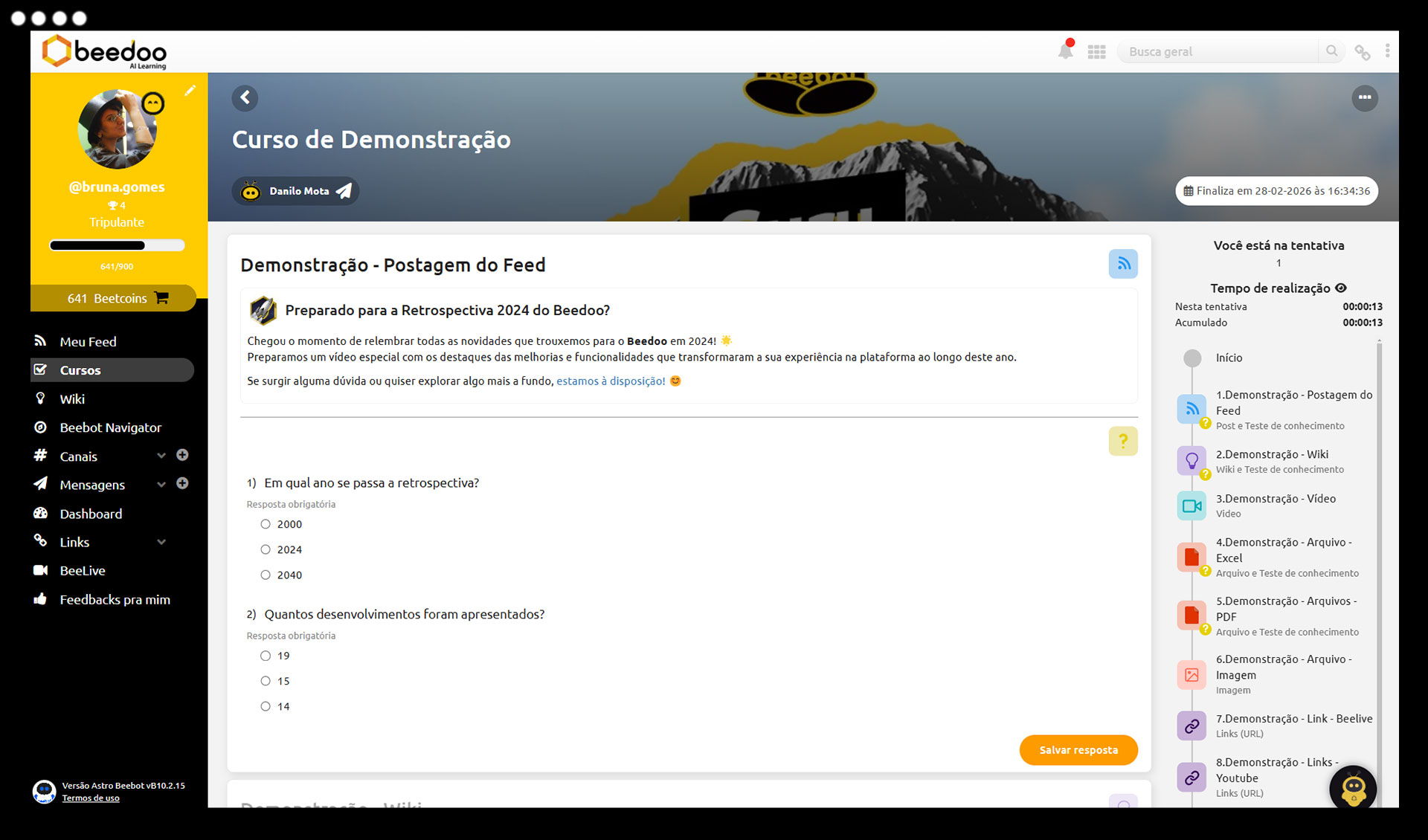
Check if content is truly understood with short, objective quizzes. Test your team’s knowledge directly in Feed posts or Wiki articles — and receive results in real time.

What is the Quick Test?

The Quick Test is a simple, direct, and powerful tool to reinforce learning and measure information absorption. Perfect for short quizzes after a communication, campaign, or new process. Tests are linked directly to Feed or Wiki content, with segmentation and gamification.

Highlighted Features

Fast and objective tests

Create short quizzes focused on reinforcing key points and measuring content comprehension.

Integration with Feed and Wiki

Assign tests directly to posts and articles making access and evaluation context easier by linking tests to content.

Audience segmentation

Target tests to user groups, specific teams, or individual collaborators.

Scheduling and automatic closure

Schedule when the test will be published and set a deadline for responses.
  • Assign tests linked to Feed and Wiki content
  • Filters to view pending or completed tests
  • Segmentation by group or specific user
  • Scheduling and automatic closure of tests
  • Gamification based on correct answers
  • Fast and objective evaluation of content absorption

Turn interactions into real engagement

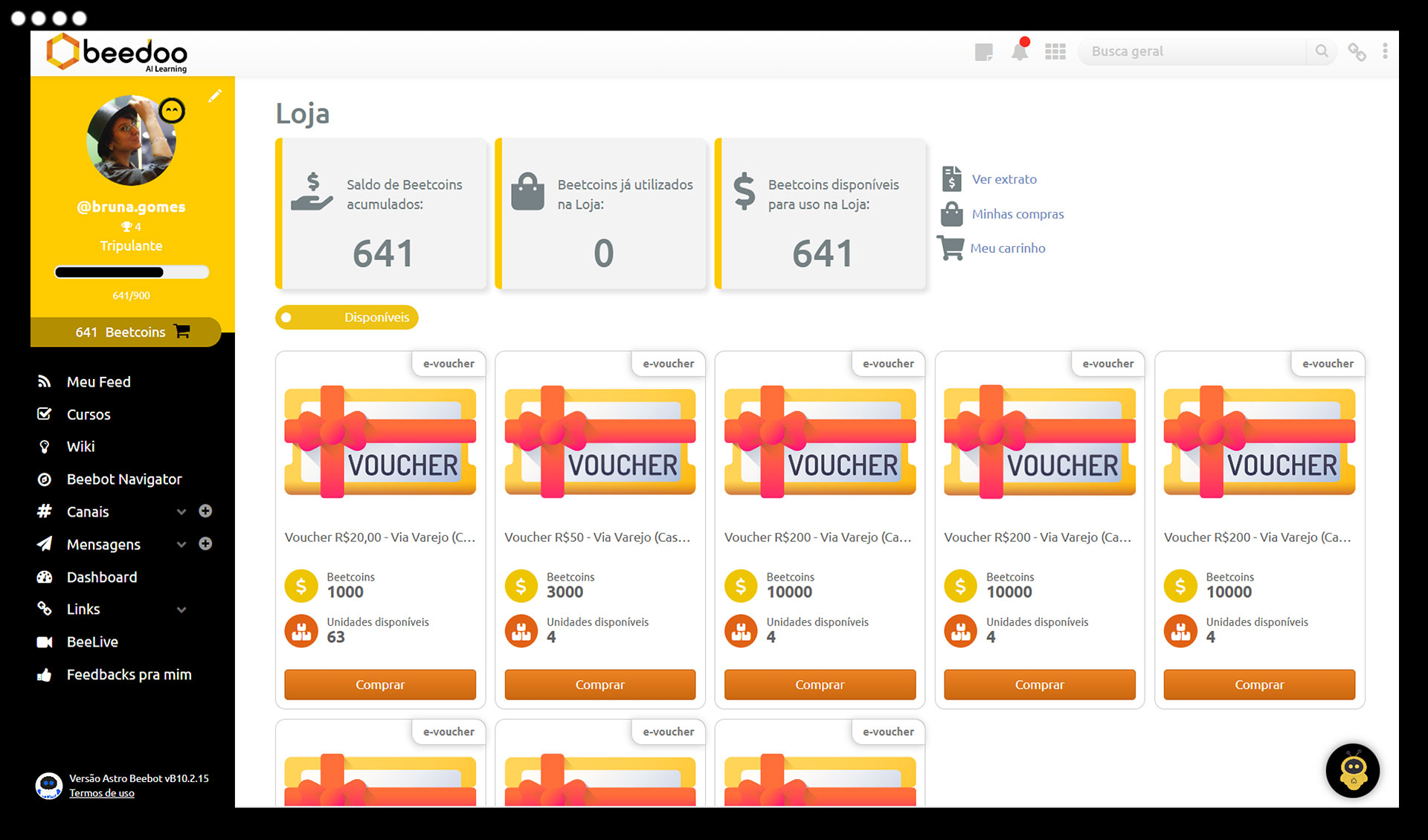
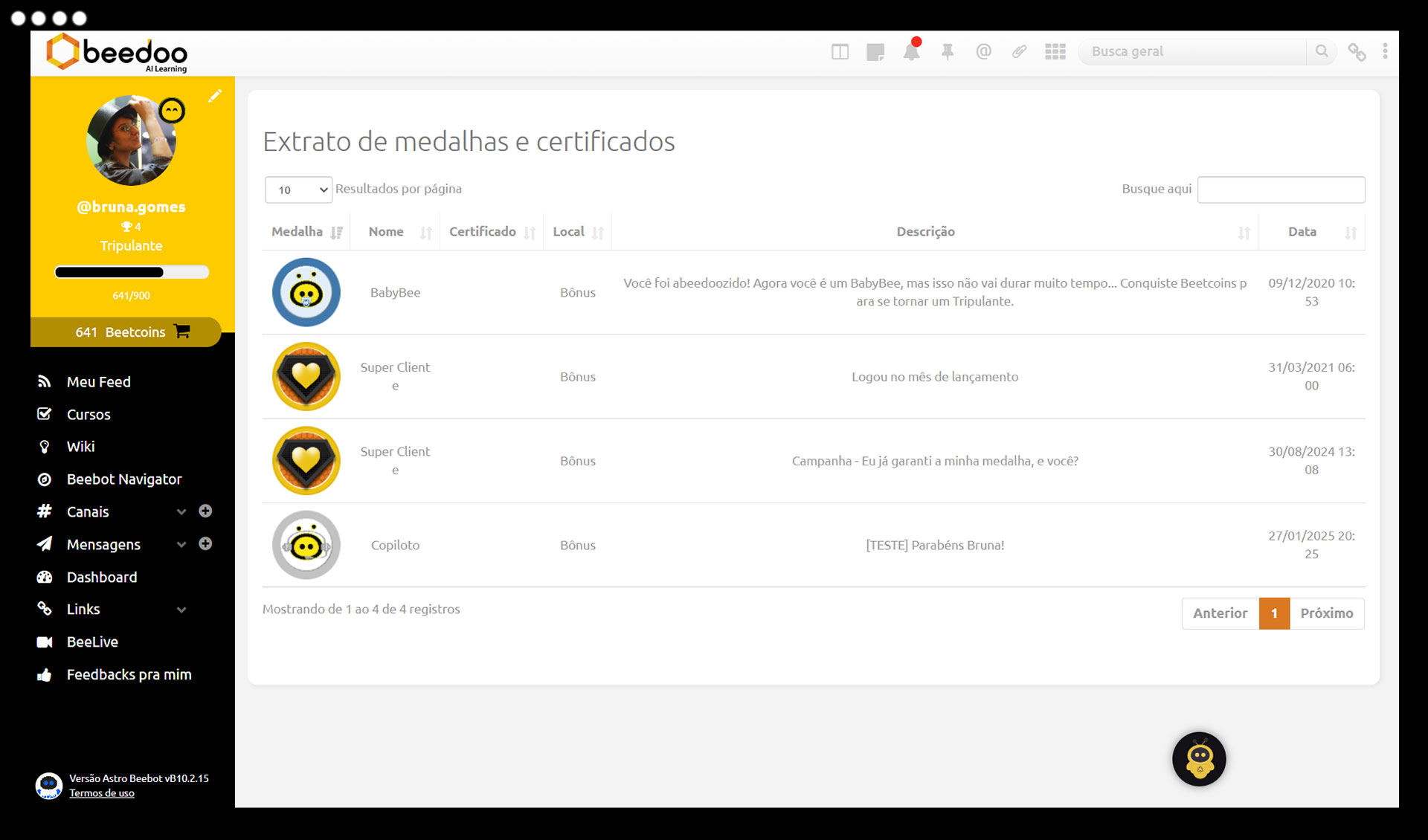
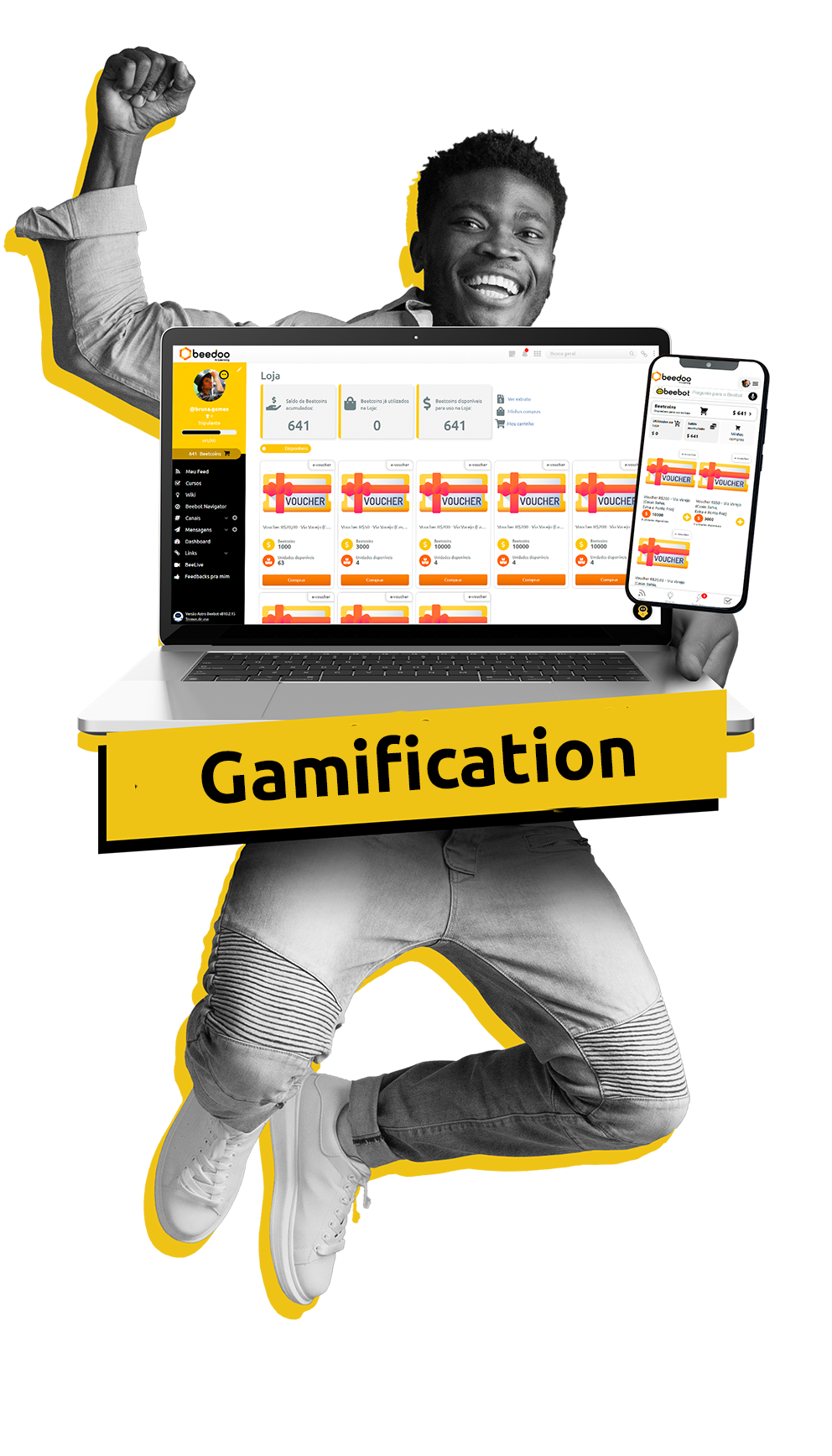
With Beedoo Gamification, every action becomes a reward. Your team earns points, medals, and prizes by interacting with content, completing courses, answering tests, or hitting goals. More motivation, more participation, more results.

What is Gamification?

Gamification in Beedoo is a complete engagement system that rewards learning and participation across all platform modules. With flexible rules, a personalized prize store, and e-commerce integration, you turn everyday actions into motivating achievements for your team.

Highlighted Features

Points system and evolution levels

Reward every action with configurable points and allow users to advance levels based on performance.

Custom medals and prize unlock

Create exclusive medals and use them to unlock products or recognize specific achievements.

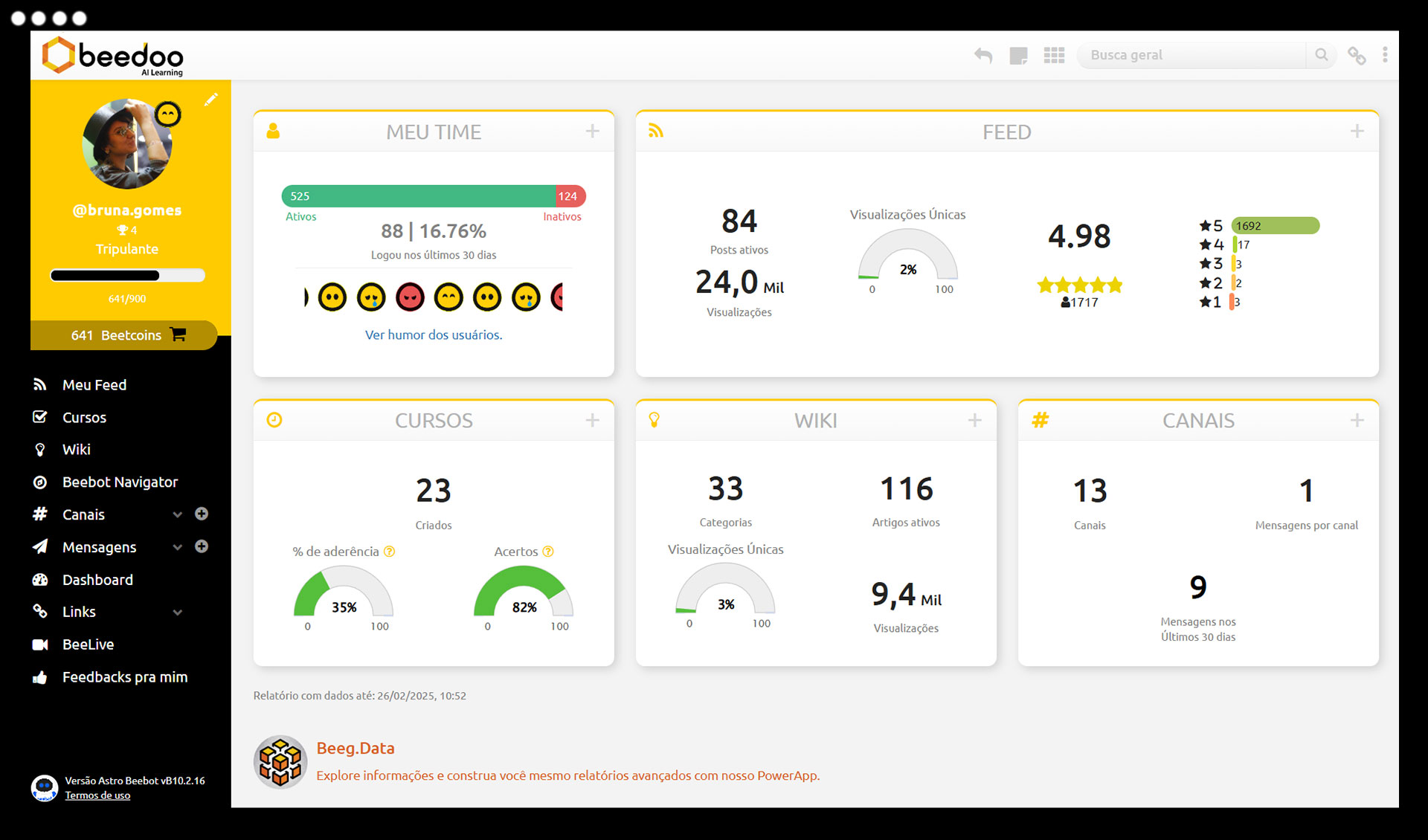
Mood and e-NPS integrated into the journey

Assess team sentiment with daily polls and collect continuous feedback with customizable e-NPS surveys.

Humor and e-NPS integrated into the journey

Assess team morale with daily polls and gather ongoing feedback with customizable e-NPS surveys.

Points:

  • Scoring for interactions across modules (Feed, Wiki, Courses, etc.)
  • Manual point assignment by leadership
  • Customization of point names
  • Full history of achievements

 Medals:

  • Standard and custom medals with goals and certificates
  • Unlock prizes through achievements
  • Use medals to unlock products in the store
  • Performance and individual achievement reports

Evolution Levels:

  • Create levels with point goals and visual customization
  • Progress reports and user distribution by level
  • Automatic evolution based on point accumulation

Prize Store:

  • Create physical products, digital items, and e-vouchers
  • Segment products by group or campaign
  • Manage stock, user limits, and cancellations with refunds
  • Configure offers with deadlines and discounts
  • Shopping cart, history, and complete tracking

Mood and e-NPS:

  • Create moods with custom images and names
  • Integrated e-NPS survey with statistics and mandatory feedback
  • Define mandatory responses by profile (Detractor, Neutral, Promoter)
  • Direct access to mood selection via profile

Better decisions with data in your hands

Get a complete view of engagement and performance in your operation. With Beedoo’s Statistics module, you access smart reports and advanced filters to make faster, evidence-based decisions.

What is the module?

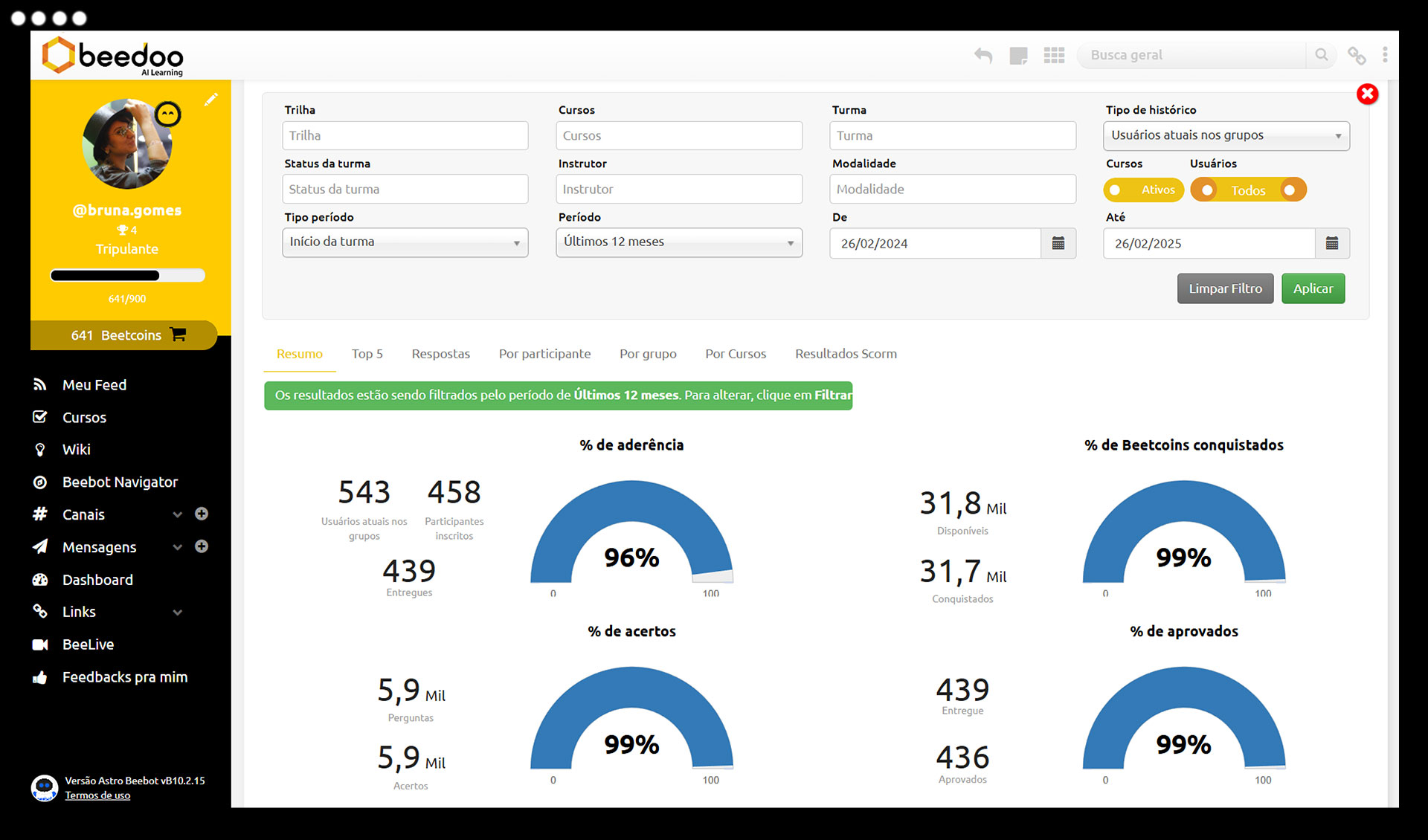
The Statistics module centralizes data from all other platform modules. From content access to Feed interactions, course performance, article reading, and message exchange — everything can be measured, analyzed, and exported easily.

With Beeg.Data, you can also generate personalized reports in chart, table, or list format, export to Excel, and view by filters such as period, group, user, or content type.

*Beeg.Data requires a separate subscription.

Highlighted Features

Complete reports by module

Access data on logins, Feed, Wiki, Courses, Channels, Tests, and Gamification — all in one place.

Customizable charts and tables

Choose how to view data: by day, month, group, campaign, user, and more.

Beeg.Data: self-service reports

Generate your own reports without depending on the technical team. Advanced filters, dynamic views, and simple export.

Engagement and performance monitoring

Track who viewed, answered, interacted, or remained inactive — by user, group, or content.

One module, data from all others

The Statistics module consolidates complete indicators of:

  • Access: login, terms of acceptance, mood, and e-NPS
  • Feed: views, comments, reactions, and campaigns
  • Courses & Track: progress, approvals, scores, and SCORM
  • Wiki: readings, versions, categories, and users who accessed or not
  • Channels: message volume, most active channels, and engagement
  • All with advanced filters, groupings, exports, and visual dashboards to help your company manage and evolve based on real data.

Full control of your operation with security, flexibility, and automation

Manage users, permissions, languages, terms of use, and security in a centralized and efficient way. With Beedoo’s Administration module, you configure the platform according to your operation’s rules and needs — with total autonomy.

 What is the module?

The Administration module brings together the main management features of the Beedoo platform. Here you control everything from access permissions to security policies, registration customization, API integration, terms of use, and more — all with flexibility for different teams, roles, and profiles.

Highlighted Features

Advanced permission and profile control

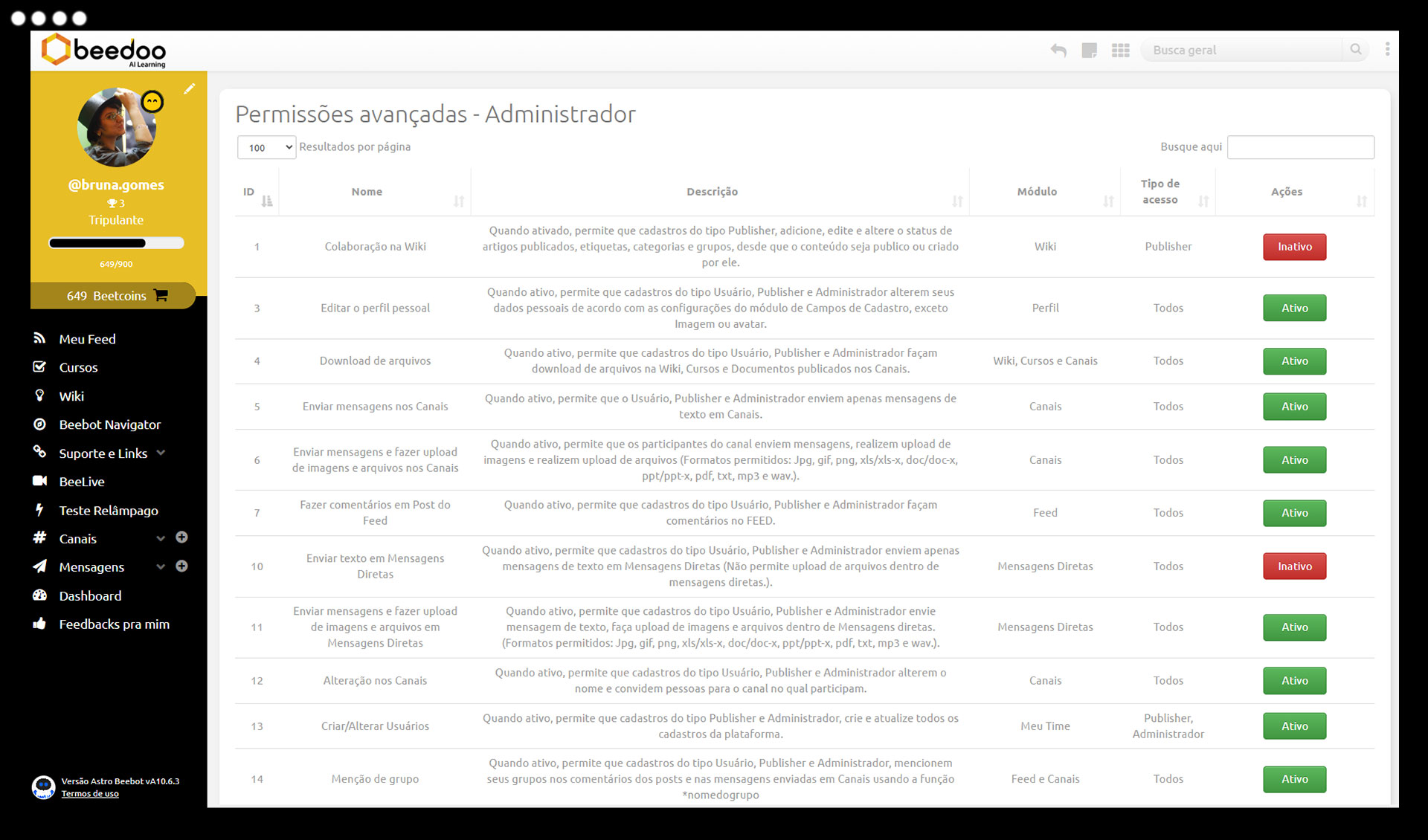
Create different types of users (administrator, publisher, consumer) and manage over 70 types of permissions by group or role.

Complete registration integrated via API

Add users individually, via spreadsheet, or automatically — with logs, leader hierarchy, and custom fields.

Multilingual and accessible management

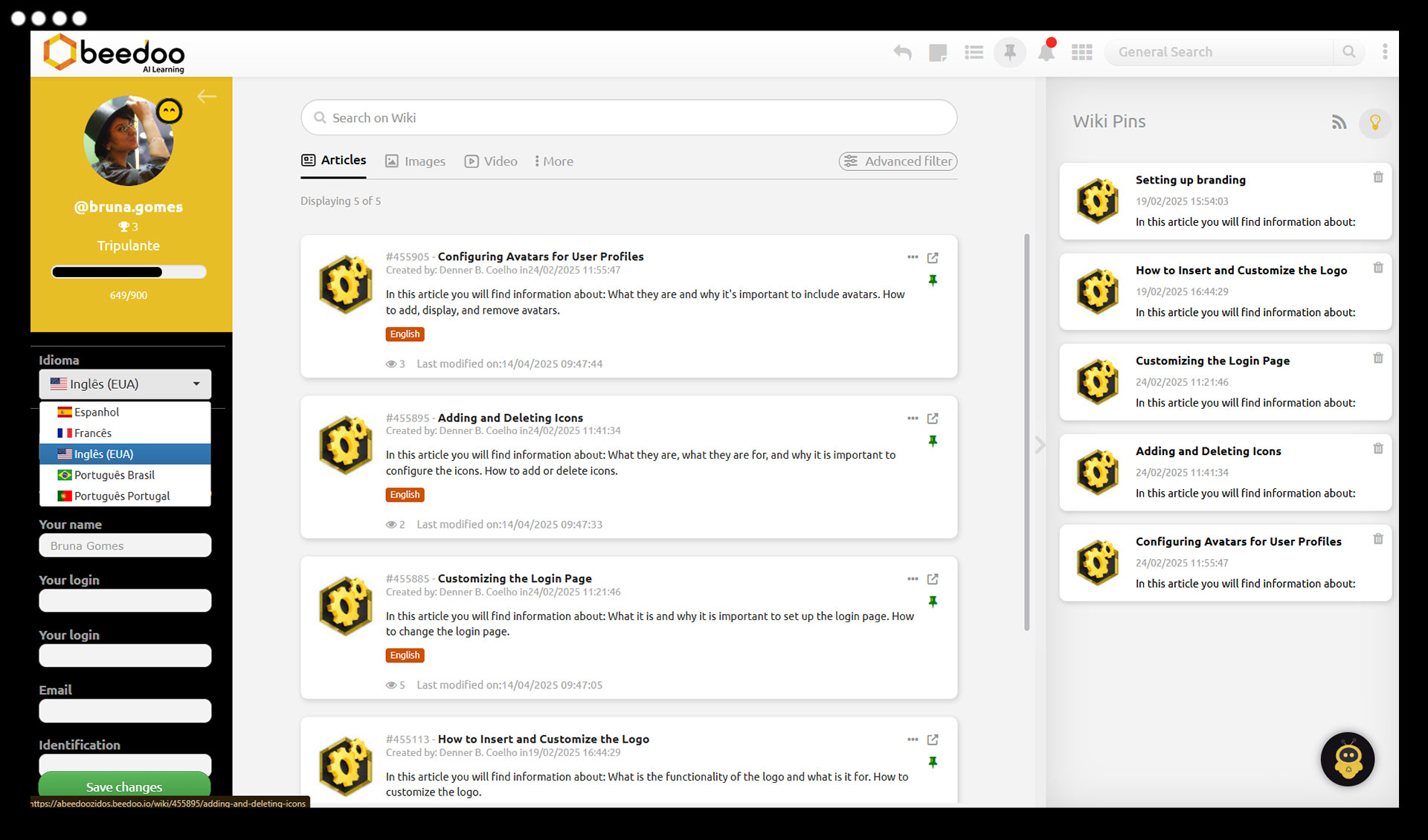
Make the platform available in Portuguese, English, and Spanish*, with language selection by the user.

Robust and customizable security

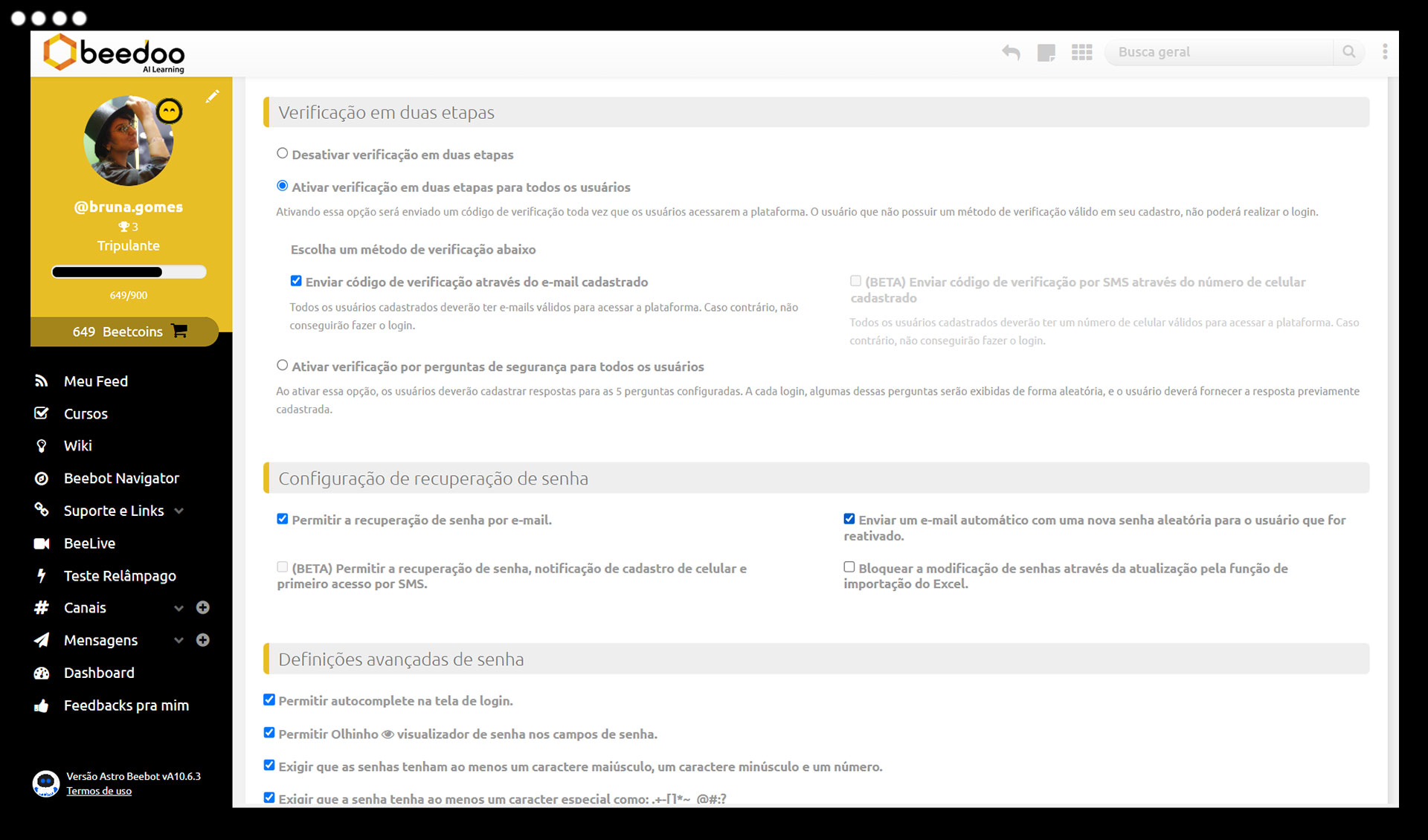
Implement password policies, IP/VPN blocking, MFA authentication, and password recovery via email or SMS.

Useful links and customizable terms of use

Create pages with important systems, organize by access groups, and configure mandatory terms for navigation and interaction.

Customization and Visual Identity

Add your colors, logo, icons, avatars, and more, creating greater engagement and personalization.

User registration and management:

  • Automatic creation and updates via API integration
  • Bulk or individual registration via spreadsheet
  • Interaction and changing logs per user
  • Hierarchical organization of leaders and subordinates
  • Inclusion of custom fields in registration (text, number, date, list)
  • Access restrictions outside working hours

Permissions and access:

  • Profile creation with over 70 distinct permission types
  • User types: administrator, publisher, and consumer
  • Access segmentation by group or role
  • Definition of who can publish, edit, view, or moderate

 multi-language:

  • Platform available in Portuguese, English, and Spanish* with user-controlled language selection

Terms of use:

  • Configure terms of use for platform access
  • Mandatory acceptance before interactions such as comments
  •  

Useful links:

  • Shortcut page with links to systems, documents, and external portals
  • Organization by favorites, search, sorting, and highlights
  • Segmentation by access group (who can see what)

Security:

  • Customizable password policies (characters, periodic changes, complexity)
  • Two-factor authentication (MFA) with email or security questions
  • IP or VPN access blocking at no extra cost
  • Password recovery via email or SMS

Have a TechDrive

Faça um TechDrive

Ao continuar navegando, você concorda com a nossa Política de Privacidade.